
I just had it running in X-Plane 12!
Yes, DLSS 5 in X-Plane 12? Yes — it works!
( Amazing PIMAX is offering LetsFlyVFR readers and YouTube visitors a 2% Discount on all but the Dream Air SE. Crystal Light & Crystal Super Models plus the Dream Air!
Links in the post! Enjoy)
X-Plane 12 does not natively provide NVIDIA DLSS 5, but that hasn’t stopped the Virtual Reality and flight simulation community from experimenting.
Using DLSS 5 Manager, it is now possible to add DLSS 5 neural rendering technology to X-Plane 12, even though X-Plane itself was not designed with native DLSS 5 support.
I decided to test it for myself. I downloaded the DLSS 5 Manager because I was curious if it would really work. No lets be honest, the performance reports have it being quite a strain on the system! What’s important as a test, It worked as advertised.
And the result?
It actually works!
But there is considerably more to the story than simply installing an application and gaining free performance.
Beyond the Specs Series:
- Beyond the Specs! A Flight Simmer’s Guide to Virtual Reality & Pimax VR.
- Beyond the Specs. The Optics Behind VR.
- Beyond the Specs – QLED vs Mini-LED vs Micro-OLED for Flight Simulation VR.
- Beyond the Specs – The Ultimate Pimax VR Buyer’s Guide (2026).
- Beyond the Specs – The Software Technology making VR Incredible! *******
- Beyond the Specs – Tracking Systems Explained – (Upcoming)
What Is DLSS 5 Manager?
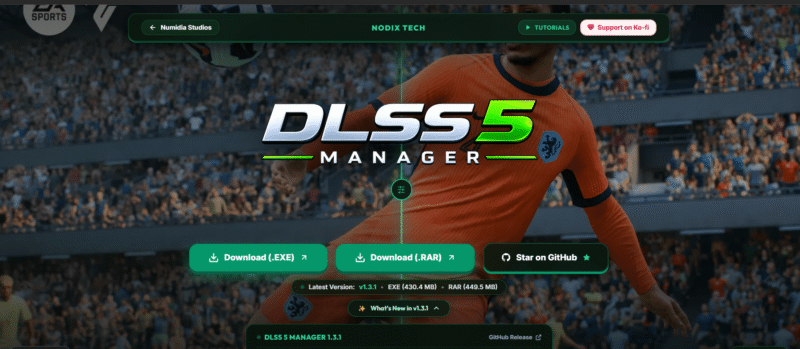
DLSS 5 Manager is a Windows application designed to simplify the process of adding DLSS 5 functionality to games that don’t natively support it.
The project is open source and is hosted on GitHub by NODIX-TECH.
Rather than manually searching for DLL files, shaders, configuration files and individual components, DLSS 5 Manager provides an interface that handles much of the installation process.
The project also incorporates technologies such as OptiScaler, ReShade and DLSS 5 neural rendering, depending on the installation route and game.
The developers describe it as an intelligent manager and one-click installer for DLSS 5 and related components. The install was pretty easy and it worked out of the box!
The project is developing extremely quickly, with multiple releases appearing within days rather than months. The discovery of DLLS 5 and then the furor to get it working has driven the modding community into a frenzy!
Amazingly they have created a number of options with DLSS 5 Manager one of the choices.
Where Do You Get DLSS 5 Manager?
This is one area where you need to be careful.
Use the official NODIX-TECH GitHub repository or its official release page.
The official repository is:
DLSS 5 Manager – Official GitHub Repository
The official releases are available here:
DLSS 5 Manager – GitHub Releases
There is also an official project website:
DLSS 5 Manager official website
⚠️ Be Careful With Downloads
Because DLSS 5 Manager is becoming increasingly popular, do not simply search Google and download the first “DLSS 5 Manager” file you find. This is super important!
There are always dangerous sites trying to steal your information with spoof sites! Be careful!
There are already other projects and modified versions using similar names.
The safest approach is to start with the NODIX-TECH GitHub repository and follow the release links from there.
Check the repository name carefully:
NODIX-TECH / DLSS-5-MANAGER
Don’t rely solely on a download filename.
So How Does It Work With X-Plane 12?
This is where things get interesting. Why Doesn’t X-Plane 12 Normally Support DLSS?
DLSS is not natively supported by X-Plane 12’s Vulkan graphics engine. The reason is that technologies such as DLSS require additional information from the graphics engine, particularly motion-vector data. This information describes how objects and pixels move from one frame to the next.
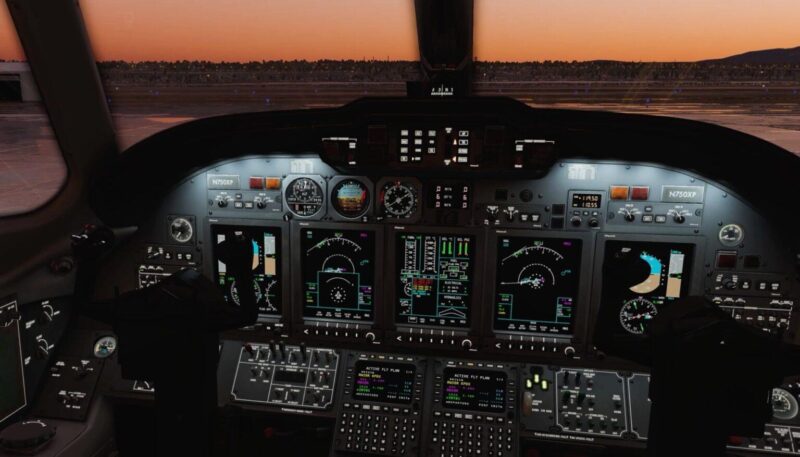
X-Plane’s graphics engine does not currently provide the motion-vector information that DLSS expects. Laminar Research has previously confirmed that adding this capability is not a simple task.
This is why DLSS 5 Manager and technologies such as OptiScaler are particularly interesting as they provide an alternative way of introducing
X-Plane 12 does not simply have a switch labelled:
Enable DLSS 5
DLSS 5 Manager works by adding the necessary components around the game’s existing rendering pipeline. One of the important pieces involved is OptiScaler.
OptiScaler provides a way of introducing technologies such as NVIDIA DLSS into games that weren’t originally designed to provide native support for them. The DLSS 5 Manager essentially simplifies what would otherwise be a much more complicated modification process.
The application can detect supported games and provide an installation route for the necessary components. Recent versions have also introduced a Live Flow system intended to make DLSS 5 available across a wider range of applications and games.
That is particularly interesting for X-Plane 12. Is it possible for Laminar Research to do something like this to bring DLSS natively to X Plane 12? I don’t know & maybe this would be regarded more as a hack that a way to provide the feature full time but its interesting isn’t it!
Install Guide! It’s Easy!
Download and install from any of the sites we have listed. Again be careful what you download.
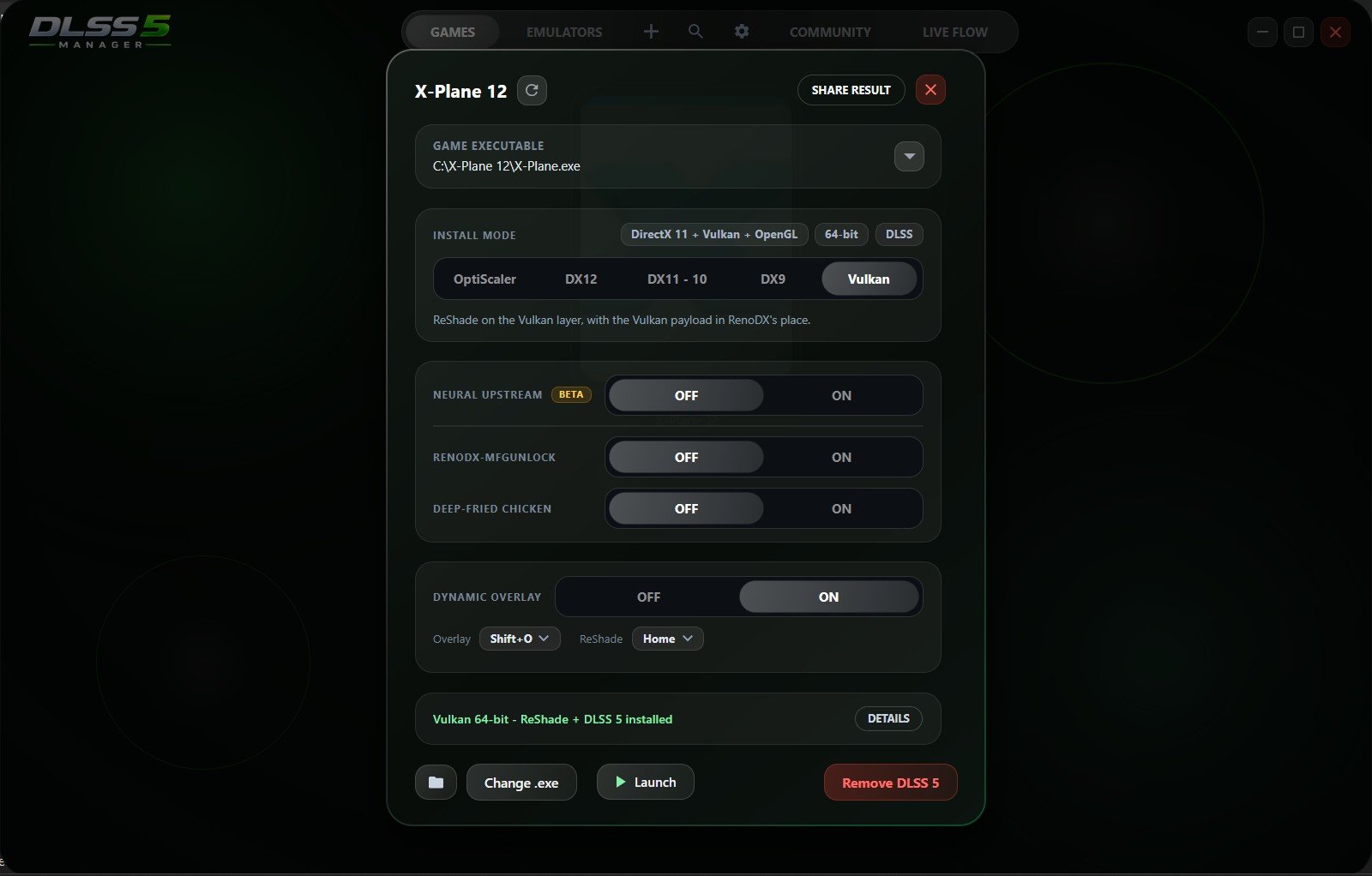
All I did was add X PLANE 12 to it by selecting the X-Plane.exe file. It then loaded the X Plane 12 graphic. It seems other NON DLSS games can be added but your milage may vary ok!
Click the graphic and X Plane 12 Launches with a few messages on screen about RESHADE also being loaded as part of the package.
All I did was select VULCAN and the Graphics engine and hit install at the bottom! DONE!
Why Is This Important for X-Plane 12?
X-Plane is an extremely demanding simulator. We all know how hard it is to run even with good hardware. There is a lot going on and we discussed this in both the previous BLOG Beyond the Specs which you could read here or check out the accompanying YouTube Video of the same name which is being released on Monday 21st September 26. Look for it on your feed!
Getting the correct setting is a fine balance in both monitor and more so in Virtual Reality.
Unlike many conventional games, the simulator has to continually deal with:
- Aircraft systems
- Flight modelling
- Weather
- Clouds
- Terrain
- Airports
- Traffic
- Lighting
- Cockpit displays
- Instruments
- Scenery
- Object rendering
- CPU simulation
- GPU rendering
And when you add high-resolution Virtual Reality into the equation, the workload becomes even more demanding.
This is why technologies that can reduce the amount of work the GPU has to perform are potentially very interesting for X-Plane users. It’s worth pointing out that as I write this the DLSS is very heavy on the GPU! Its delivering amazing graphics, nearly true to life in some cases but the cost right now is 50% of your performance.
The performance will improve as the release of DLSS becomes official which it obviously isn’t today 20/9/26. Regardless its exciting times and even on my little 3050 laptop it ran and showed what visually it could deliver it wasn’t practical to fly at 12 fps on already low settings.
I’m not at home at the moment so when I return Ill update you with the 5600X / RTX 5070 and let you know how it performs in 2D Monitor mode and VR as well.
My X-Plane 12 Test.
I tested DLSS 5 Manager on an RTX 3050 laptop. This was deliberately a modest test system. I wanted to see if it installed and actually worked. The answer is a very much a big YES it did! The visuals were greatly enhanced with the runway looking photo realistic as the best example.
The objective wasn’t to demonstrate amazing performance as we all know the unofficial DLSS 5 is not optimised like it likely will be on official release! Will Nvidia try to stop these mods working with the official version? Maybe they will try but the ingenuity of the modding community never likes to take one on the chin and not get right back in the fight so I’m backing the modders to keep this alive for us all.
This mod allows so many non DLSS titles to benefit in varying levels. Not all games/sims will react the same! Some will love it and others may just refuse to run but currently the good to go list seems pretty long! Lets hope it stays that way!
It was much simpler:
Would it actually work?
The answer was yes.
With X-Plane 12 running normally, the system was producing approximately:
22 FPS
After installing and enabling DLSS 5:
approximately 12 FPS
So, in this particular test, performance actually decreased substantially.
At first glance, that might sound like a failure.
It isn’t.
In fact, it demonstrates something important.
DLSS 5 was actually being processed.
The RTX 3050 simply wasn’t powerful enough for the additional workload to produce a performance benefit in this particular configuration.

Take your cockpit to the next level with Pimax VR. From the exceptional value of the Crystal Light to the flagship Crystal Super and the revolutionary Dream Air, there’s a headset designed for every serious flight simmer.
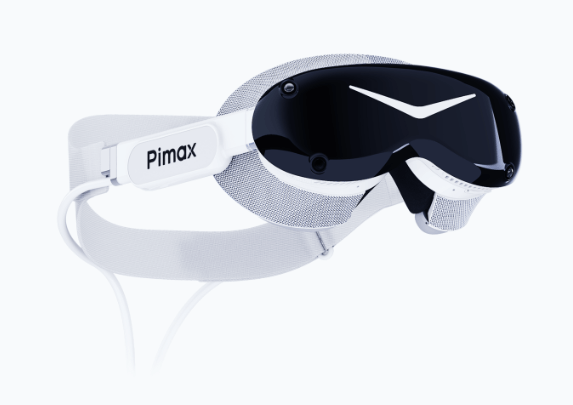
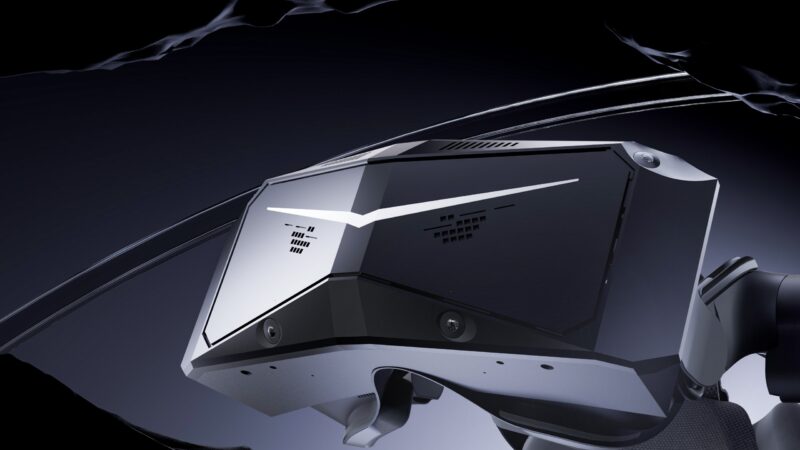
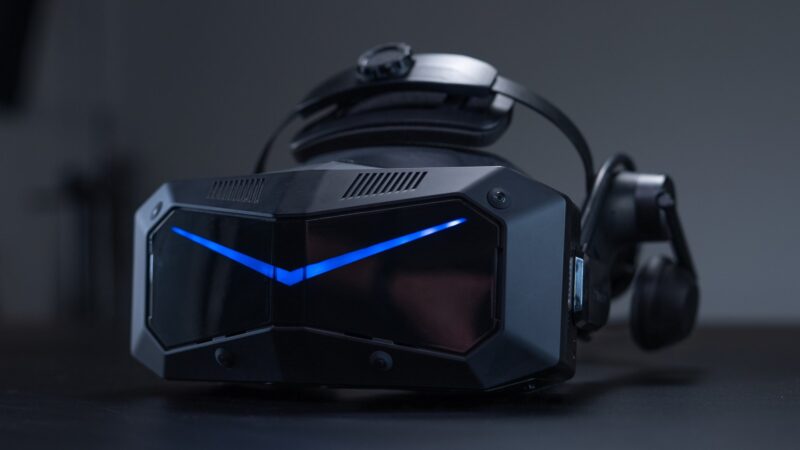
Shop through our links below to unlock exclusive discounts and start flying in unparalleled clarity.
Why Did Performance Drop?
This is one of the most important things to understand about DLSS 5.
DLSS 5 is not simply a magic “make FPS higher” button. Neural rendering requires GPU resources. Its more about the quality right now than the extra FPS we all want! The system has to perform additional processing to generate the enhanced output.
On a powerful desktop GPU, that additional workload may be worthwhile. On a relatively limited laptop RTX 3050, the overhead can become significant.
In my test, the GPU went from approximately 22 FPS to approximately 12 FPS. So if you’re running an RTX 3050 laptop, don’t assume DLSS 5 will automatically increase your X-Plane frame rate now anyway! It may very well give you a boost when its released officially or the modders find a way to increase its performance.
It may do the opposite.
But There Is More Than Performance!
This is where DLSS 5 becomes interesting. The purpose of neural rendering isn’t necessarily just to increase FPS. It can also alter the way the final image is reconstructed and displayed.
That can potentially provide improvements in:
Image quality
Detail reconstruction
Anti-aliasing
Lighting appearance
Surface detail
Visual stability
And potentially other aspects of the final rendered image.
Community testing with X-Plane 12 has already demonstrated that DLSS 5 can produce very impressive visual results in some situations, although users have also reported motion artefacts and blurring during movement.
And that last point is extremely important for flight simulation.
A screenshot isn’t the same thing as flying an aircraft.
DLSS 5 and Flight Simulation!
This is where I would be particularly cautious.
Flight simulators are unusual because the camera is constantly moving.
You’re looking:
- Left
- Right
- Up
- Down
- Across the cockpit
- Outside the aircraft
- Towards the runway
- Towards instruments
And in Virtual Reality, you’re doing all of this continuously.
A technology that produces an incredible static image may not necessarily produce an equally good image while you’re moving your head rapidly.
That means DLSS 5 needs to be judged while actually flying, not just by taking screenshots.
The Potential Benefits.
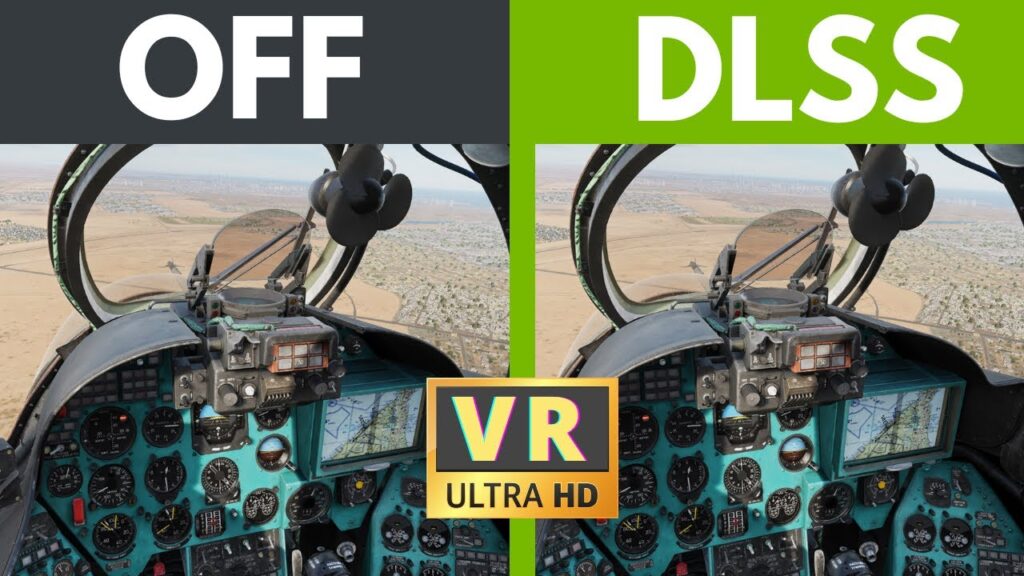
There are several reasons why this technology is worth experimenting with.
1. It Works With X-Plane 12
This is the biggest discovery.
X-Plane 12 doesn’t natively provide DLSS 5, but DLSS 5 Manager provides a method of introducing it.
2. Easy Installation
Compared with manually installing individual components, DLSS 5 Manager makes the process considerably easier. Its one install package. It also has a APP download too!
The application is designed to detect games and manage the installation.
3. Access to New Rendering Technology
It gives X-Plane users an opportunity to experiment with technology that isn’t currently part of the standard simulator.
4. Potential Image-Quality Improvements
Depending on hardware and settings, neural rendering can produce impressive visual results.
5. Potential Future Performance Improvements
This is perhaps the most interesting part.
The project is evolving rapidly.
As DLSS 5 Manager, OptiScaler and related components mature, compatibility and performance may improve.
The Negatives.
There are also some significant disadvantages.
Performance Isn’t Guaranteed
My RTX 3050 test actually lost approximately 10 FPS. So don’t install DLSS 5 expecting an automatic performance boost. Again, that’s likely to come but not right now!
GPU Overhead
DLSS 5 itself requires processing power. On lower-end RTX hardware, that additional workload can outweigh the benefits. There have been reports of users using multiple GPUs to get some of the amazing results!
I believe Lossless scaling app allows you to do this with one displaying the image and the second assisting with he GPU overhead. Remember SLI anyone? Its not that but it apparently works if you have a shiny new GPU and an old one still lying around, obviously you need the space and the availability of a GPU slot on your motherboard! Its interesting what people try!
It’s Not Native X-Plane Support.
This is a modification/workaround rather than an official X-Plane feature.
That means compatibility can change when X-Plane, NVIDIA drivers, OptiScaler or DLSS 5 Manager are updated. Just be aware its a magic bullet that can have the powder remove and make it useless possibly too. But its FREE for now!
Visual Artefacts Are Possible.
Community testing has reported issues including motion blur and unusual behaviour around moving objects and night lighting.
Virtual Reality Is Another Question
What looks fantastic on a monitor may behave differently inside a Virtual Reality headset. For flight sim users, this is probably the area that deserves the most testing. Again I’ll report on this one I’m back home and able to test the scenarios with my desktop hardware.
Should You Try It?
If you’re comfortable experimenting with your X-Plane installation, DLSS 5 Manager is certainly an interesting project to investigate.
But I would approach it as an experiment, not as a guaranteed performance upgrade.
And make sure you have a backup of your X-Plane installation or know how to remove the installed components if something doesn’t behave correctly.
The technology is developing rapidly, and new versions are appearing frequently. Keep checking Github and look to the developer for update news and new features.
BUILD THE PERFECT COCKPIT… THEN DRESS THE PART.
Discover Premium Flight Simulator Apparel, Wall Art, Pilot Gifts and Aviation Accessories at LetsFlyVFR – ETSY STORE.






The Bottom Line.
So…
Can you get DLSS 5 working in X-Plane 12?
Yes.
I tested it.
It worked.
The important distinction is that working doesn’t automatically mean faster. It does look better though!
On my RTX 3050 laptop, X-Plane 12 went from roughly 22 FPS to roughly 12 FPS after enabling DLSS 5.
That result tells us something important.
The technology is functioning, but the hardware has to be capable of handling the additional processing workload. For more powerful RTX desktop GPUs, the situation could be very different. And that is where my next testing will become much more interesting.
Because the real question isn’t:
“Can DLSS 5 work in X-Plane 12?”
We now know the answer to that now!
The real question is:
“What can DLSS 5 actually do when you give it enough GPU power?”
That’s something worth testing.
⚠️ One Final Warning
Download DLSS 5 Manager from the correct source.
The project is on GitHub, and there are other DLSS 5-related projects and modified versions appearing online.
Start with the official NODIX-TECH / DLSS-5-MANAGER repository and its official Releases page.
Don’t download an executable from a random website simply because it appears in a search result. That is a bad idea!
Technology like this is still evolving, so always check the current release information before installing.
DLSS 5 in X-Plane 12 is real.
Now let’s find out what it can really do!
Author

Brendon McAliece (Aka Gunnie) is a military veteran with 23 years working on Jet Fighters, their weapons systems and ejection seat/module systems as well as munitions and R&D. Involved with flight simulation since the 1980s, he has flown all the major flight simulators over the years.
He is an Australian expat who has lived in Malaysia, UK, Saudi Arabia and more recently Thailand. He is a multi-lingual blogger who loves to share his life experiences here on LetsFlyVFR.com and DreamingGuitar.com, with his lifestyle and Travel experiences Blog plus his Dreaming Coffee website.
Learn More @
DreamingGuitar.com – DreamingCoffee.com
LetsFlyVFR ETSY Store – Discover PIMAX VR Now!

Leave a Reply