
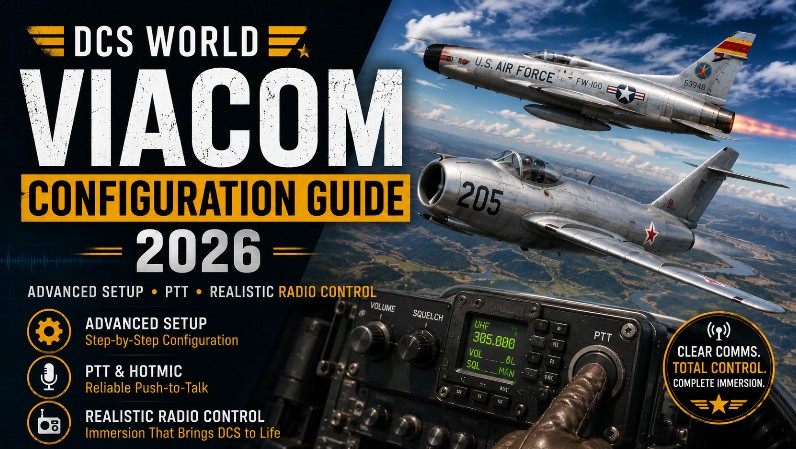
DCS World VIACOM Configuration Guide (2026)
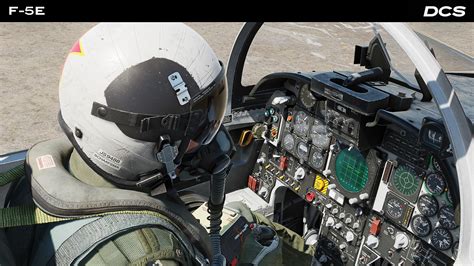
Advanced Setup, PTT Logic & Realistic Radio Workflow
You’ve installed VIACOM and confirmed it works. Good.
Now we’re going to:
- Eliminate frustration
- Improve accuracy
- Build a realistic radio workflow
- Optimize for VR + combat scenarios
This is the difference between:
“Cool feature”
and
“I can’t fly without this anymore.”
🧠 What Configuration Actually Means
Out of the box, VIACOM works—but not optimally.
Proper configuration controls:
- Which radio is used
- When VIACOM listens
- How commands are interpreted
- How immersive (or chaotic) your comms feel

🎙️ Step 1 – Push-To-Talk (PTT) Master Setup
This is the single most important part of VIACOM.
🎯 Goal:
Each radio = its own button.
Recommended Mapping:
| TX Node | Purpose | Typical Aircraft |
|---|---|---|
| TX1 | UHF | Fighters (F-16, F/A-18) |
| TX2 | VHF | ATC / Civil |
| TX3 | Intercom | Ground crew / Jester |
| TX4 | AUX | Backup / custom |
⚙️ How to Set It Up:
Inside VoiceAttack:
- Open VIACOM Control Panel
- Go to PTT tab
- Assign HOTAS buttons to TX nodes
- Match your aircraft bindings
💡 Pro Setup (VR Pilots)
Bind PTT to:
- HOTAS throttle hat
- Stick button (easy reach)
👉 You should never remove your hands from controls
📡 Step 2 – Realistic Radio Behavior
VIACOM can simulate real-world radio logic.
🔹 Enable These Options:
- Select Tune → auto tunes correct frequency
- Realistic ATC → proper comm flow
- Disable Menus → full immersion
🧠 What This Does:
Instead of:
“Magic radio works everywhere”
You get:
- Correct radio usage
- Proper comm sequencing
- Realistic limitations
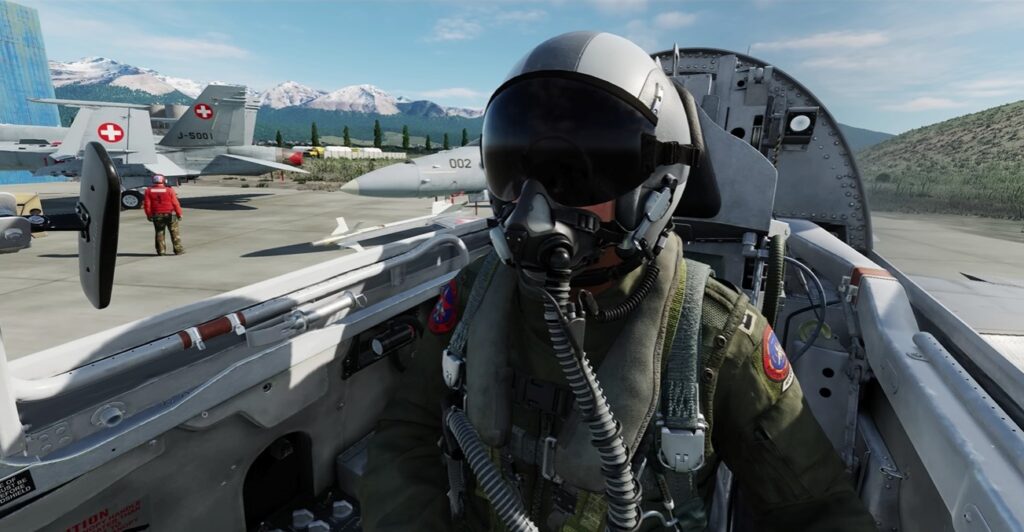
🎯 Step 3 – Command Confidence & Recognition Tuning
If VIACOM mishears you, immersion dies instantly.
🔧 Key Settings:
Inside VoiceAttack:
- Recognition confidence → ~70–85%
- Enable command feedback
- Disable background listening (unless needed)
🎤 Voice Technique (Seriously Important)
Speak like this:
- Clear
- Slight pause between words
- Natural phrasing
Not like this:
“requeststartuprequeststartup”
💡 Example (Best Practice):
Instead of:
“startup”
Say:
“Request startup”
🤖 Step 4 – AI Crew Integration (Next-Level Feature)
This is where VIACOM becomes incredible.
✈️ Supported Use Cases:
- F-14 Jester AI
- Multi-crew aircraft
- Ground crew
🔥 Example Commands:
- “Jester, lock target”
- “Ground crew, rearm”
- “Request refuel”
🧠 Why This Matters:
You’re no longer:
- Navigating menus
- Clicking options
You’re commanding a crew
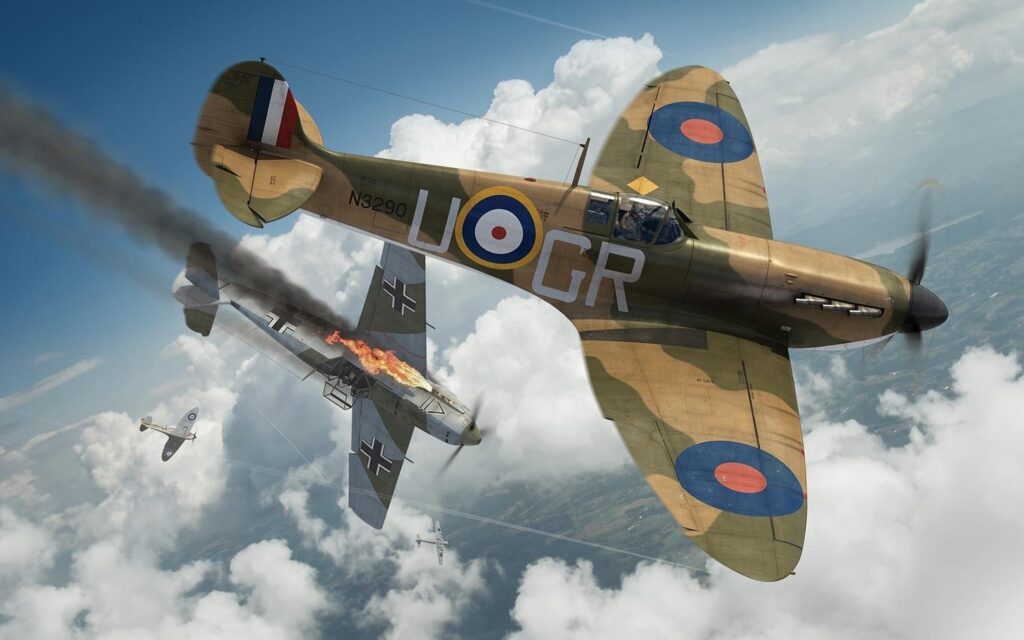
📋 Step 5 – Profiles & Module-Specific Tuning.
Not all aircraft behave the same.
🎯 Best Practice:
Create separate profiles for:
- F-16 / F/A-18 (modern jets)
- F-14 (crew-heavy)
- Helicopters
- WWII aircraft
⚙️ Why?
Each module:
- Uses different radios
- Has different workflows
👉 One-size-fits-all = frustration
⚡ Step 6 – Performance Optimization (Critical for VR)
VoiceAttack + VIACOM are lightweight—but poorly configured setups can:
- Add CPU overhead
- Cause input lag
- Break immersion
🔧 Optimize Like This:
- Disable unused plugins
- Reduce background apps
- Run VoiceAttack as Admin
- Keep commands streamlined
💡 VR-Specific Tip:
Avoid:
- Always-listening mode
Use:
- PTT only
👉 Reduces false triggers massively
⚠️ Advanced Pitfalls (Avoid These)
❌ Overcomplicating Commands
More commands ≠ better experience
❌ Ignoring Radio Logic
If everything works everywhere → realism breaks
❌ Not Updating After DCS Patches
VIACOM may need:
- Script updates
- Export.lua fixes
❌ Poor Mic Setup
Even the best config fails with:
- Bad mic
- Background noise
🧭 Example Real-World Workflow
Let’s put it all together.
Scenario: Cold Start → Taxi → Takeoff
You say:
- “Ground crew, request startup”
- “Request taxi”
- “Tower, ready for departure”
All with:
- Correct radio
- No menus
- Hands on HOTAS
👉 That’s peak immersion.
🧩 What You’ve Now Built
At this stage, your setup is:
- Fully voice-driven
- Context-aware
- Realistic
- VR-optimized
👉 You’ve essentially removed one of DCS’s biggest immersion barriers.
🔜 Next Up (Part 4)
Real-World Usage Guide
We’ll cover:
- Carrier operations
- Air-to-air refueling comms
- Combat radio workflows
- Multiplayer comm discipline
Author
Brendon McAliece (Aka Gunnie) is a military veteran with 23 years working on Jet Fighters, their weapons systems and ejection seat/module systems as well as munitions and R&D. Involved with flight simulation since the 1980s, he has flown all the major flight simulators over the years.
He is an Australian expat who has lived in Malaysia, UK, Saudi Arabia and more recently Thailand. He is a multi-lingual blogger who loves to share his life experiences here on LetsFlyVFR.com and DreamingGuitar.com, with his lifestyle and Travel experiences Blog plus his Dreaming Coffee website.