
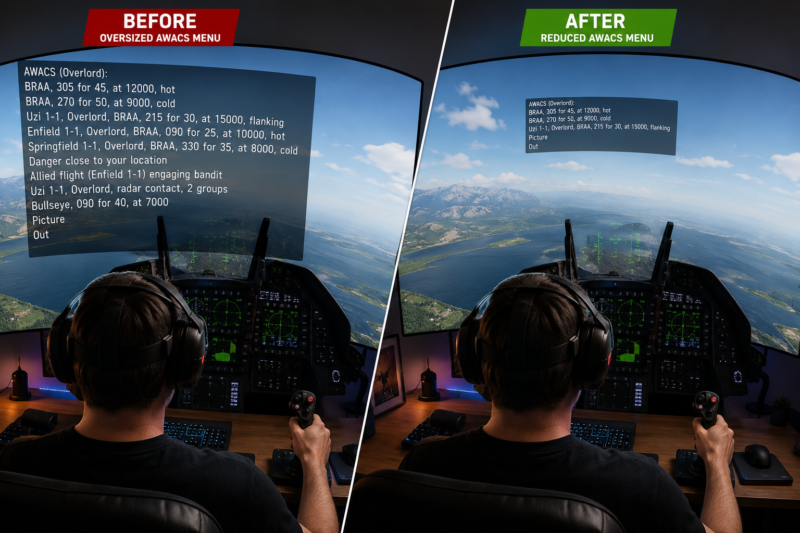
A Simple Mod That Makes Multiplayer in VR Much More Usable.
If you fly DCS in VR, you’ve probably experienced it already. You’re lining up a tanker, merging with bandits, or flying low-level through a valley… and suddenly a gigantic wall of AWACS text fills half your cockpit.
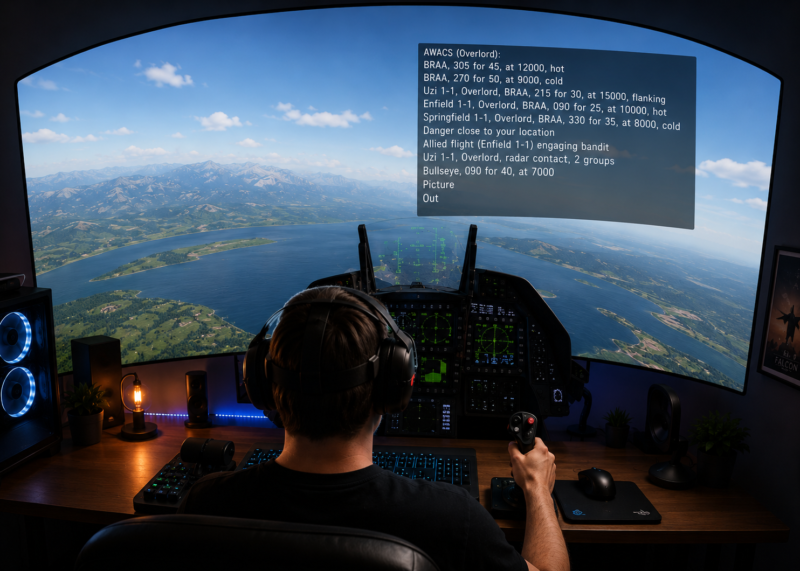
On busy multiplayer servers like Contention, Through The Inferno, Grayflag, or any heavily scripted mission, the default VR text size in DCS can become overwhelming. The radio menu, mission messages, EWR notifications, and server alerts are often scaled far too large for VR users.
The good news?
There’s an excellent community fix from Taz1004 that dramatically improves the VR experience.
The Problem With DCS VR Menus.
By default, DCS scales UI text aggressively in VR.
That means:
- AWACS notifications become enormous
- Radio/F10 menus block cockpit instruments
- Mission text overlays your HUD
- Multiplayer server messages fill your view
- Long messages force you to physically move your head just to read them
This issue affects:
- PvP servers
- PvE servers
- Single-player missions
- Dynamic campaigns
- Liberation campaigns
- Any mission using scripted messages
It is not specific to Contention — it’s a general VR UI scaling problem in DCS.
Many VR pilots have complained about it for years. (ED Forums)
The Best Fix: Taz1004’s VR Message Size Mod.
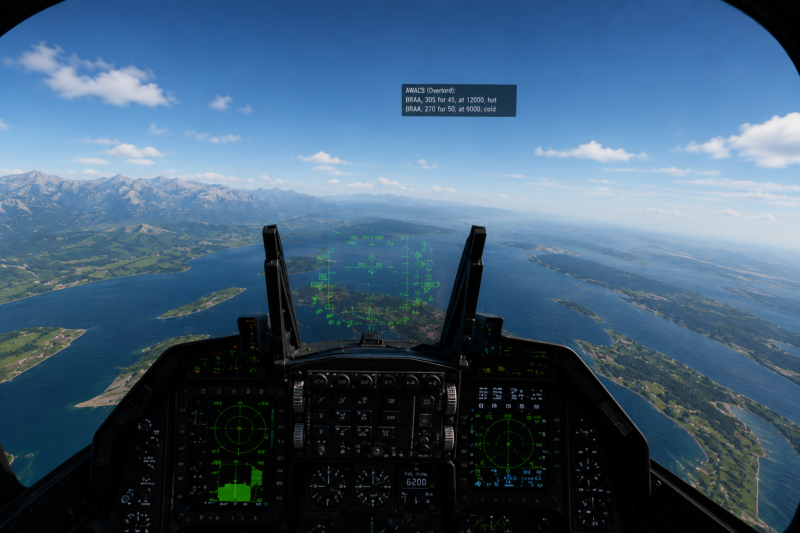
The easiest and cleanest solution is the excellent VR text reduction mod created by Taz1004.
Download Here.
On Screen Message Size in VR – DCS User Files
This mod:
- Reduces oversized VR text
- Shrinks the communications menu
- Makes AWACS/EWR messages manageable
- Passes Integrity Check (IC)
- Only affects VR
- Leaves normal 2D gameplay unchanged
According to the original author:
“Often overlays on my cockpit if the message is long.” (digitalcombatsimulator.com)
And honestly — every VR pilot understands that pain immediately.
What the Mod Changes.
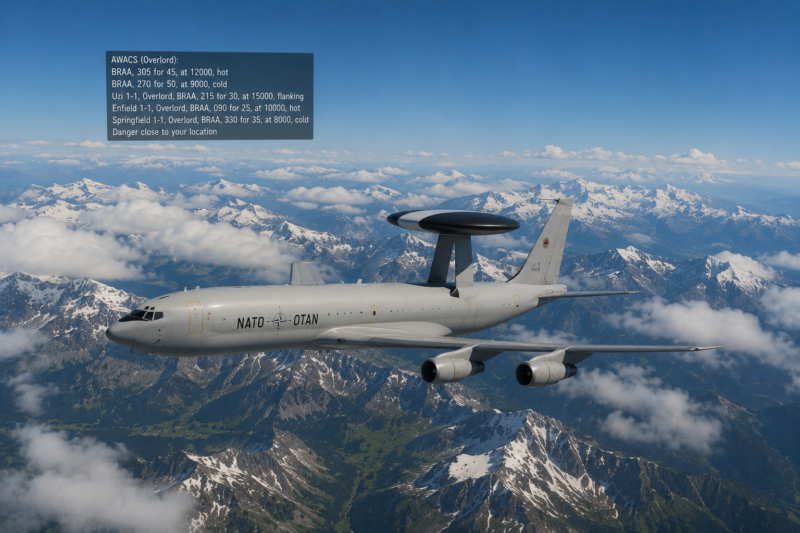
The mod adjusts two main UI elements inside DCS:
1. Mission & AWACS Message Font Size.
Inside:
gameMessages.dlg
Default DCS font size:
20
Reduced VR-friendly size:
12
This alone massively improves readability in VR. (digitalcombatsimulator.com)
2. Radio / F10 Communication Menu Size.
Inside:
CommandMenu.lua
The mod scales down the communications menu so it no longer dominates your entire field of view.
This is especially useful on:
- Contention
- Grayflag
- Through The Inferno
- RotorOps
- Dynamic multiplayer servers
Installation Guide.
Recommended Method — Use OvGME
Most experienced DCS users recommend using a mod manager like:
Why?
Because DCS updates frequently overwrite modified files.
A mod manager lets you:
- Enable/disable mods instantly
- Avoid breaking updates
- Keep multiplayer integrity clean
- Organize VR tweaks easily
Manual Installation
If you prefer manual installation:
Step 1
Download the mod ZIP from:Taz1004 VR Message Size Mod
Step 2
Extract the ZIP.
You’ll see folders matching the DCS install structure.
Step 3
Copy the included folders into your main DCS installation directory.
Usually:
C:\Program Files\Eagle Dynamics\DCS World\
or
C:\Program Files\Eagle Dynamics\DCS World OpenBeta\
Allow overwrite if prompted.
Important Notes.
Integrity Check (IC)
The mod is widely reported to pass multiplayer Integrity Check. (ED Forums)
That means:
- It works on most multiplayer servers
- It is generally considered safe for online play
Still, after major DCS patches:
- test multiplayer first,
- or temporarily disable the mod until confirmed.
A Newer Fixed Version Exists.
After DCS updated the scrollable radio menu system, the original mod temporarily caused issues with the communications menu.
A newer community-fixed version combines:
- Taz1004’s original VR text improvements
- the updated comm menu compatibility fix
You can find it here:Taz’s Reduced VR Message Size (Comm Menu Fix)
This is currently the version many VR pilots recommend using. (digitalcombatsimulator.com)
Advanced Tweaks (Optional).
Some VR users go even further and reduce the actual message window width.
Inside:
Scripts/UI/gameMessages.lua
Changing:
width = main_w / 2
to:
width = main_w / 3
makes long AWACS messages occupy much less screen space. (ED Forums)
This is particularly useful on busy servers where:
- EWR spam,
- player notifications,
- and automated mission messages
can become excessive in VR.
Final Thoughts.
This is one of those small DCS VR fixes that makes a surprisingly huge difference.
Once you try reduced message scaling in VR, it’s difficult to go back to the default oversized menus.
Whether you fly:
- PvP,
- PvE,
- helicopters,
- strike missions,
- or large multiplayer campaigns,
having readable and unobtrusive UI text dramatically improves immersion and situational awareness.
For many VR pilots, this quickly becomes a “must-have” quality-of-life mod.
Useful Links
- Taz1004 Original VR Message Mod
- Updated Comm Menu Fix Version
- ED Forum Discussion Thread
- OvGME Mod Manager
Author

Brendon McAliece (Aka Gunnie) is a military veteran with 23 years working on Jet Fighters, their weapons systems and ejection seat/module systems as well as munitions and R&D. Involved with flight simulation since the 1980s, he has flown all the major flight simulators over the years.
He is an Australian expat who has lived in Malaysia, UK, Saudi Arabia and more recently Thailand. He is a multi-lingual blogger who loves to share his life experiences here on LetsFlyVFR.com and DreamingGuitar.com, with his lifestyle and Travel experiences Blog plus his Dreaming Coffee website.
Learn More @
DreamingGuitar.com – DreamingCoffee.com – LetsFlyVFR.com
( HOME – BLOG – SHOP – ABOUT )
As an Amazon affiliate I may benefit from qualifying sales.