
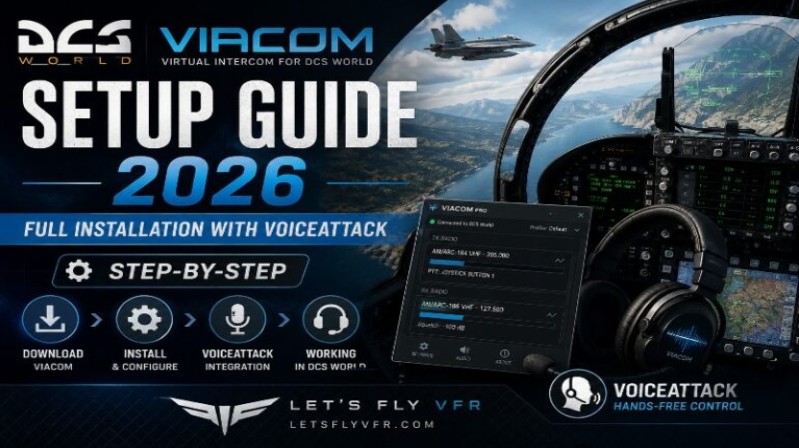
Step-by-Step Installation with VoiceAttack (Beginner Friendly)
So you’ve decided to upgrade your DCS experience with voice control great choice.
In Part 1, we covered what VIACOM is and why it’s one of the biggest immersion upgrades you can make.
Now it’s time to actually get it working properly.
This guide walks you through:
- Installing VoiceAttack
- Setting up VIACOM Community Edition
- First launch & verification
- Fixing common beginner issues
⚙️ What You Need Before Starting
Make sure you have:
- ✅ DCS World installed and working
- ✅ A headset or microphone
- ✅ Windows Speech Recognition enabled
- ✅ Admin rights on your PC
🧠 Step 1 – Install VoiceAttack (Required)
VIACOM runs through Voice Attack, so this is your foundation. It is recommended that to get the full functionality that you buy Voice Attack as the free version is limited in how many commands you can use. Certainly try the Free Version and if you need to get more than the $10 USD approx. price may be worth it to you.
🔹 Download VoiceAttack
- Go to the official site and install
🔹 Free vs Paid Version (Important)
| Version | Limitation |
|---|---|
| Free | ~20 commands max |
| Paid | Unlimited (REQUIRED for VIACOM) |
👉 Recommendation: Buy the full version. The free version will not cut it for DCS.
🎤 Step 2 – Configure Windows Speech Recognition.
This step is often skipped—and causes most problems.
Do this BEFORE installing VIACOM:
- Open Windows Speech Settings
- Run Speech Training (10–15 mins)
- Set your microphone correctly
- Match language (e.g., English US)
💡 Pro Tip:
The better your training → the better VIACOM performs.
📦 Step 3 – Install VIACOM (Community Edition)
VIACOM is now fully community-maintained and free.
🔹 Install Process:
- Download VIACOM Community Edition
- Extract files
- Copy contents into your:
/Saved Games/DCS/Scripts/ - Launch VoiceAttack
🔌 Step 4 – Import VIACOM Profile into VoiceAttack
Inside VoiceAttack:
- Go to Profile → Import Profile
- Select the VIACOM profile file
- Activate the profile
👉 You should now see hundreds of commands loaded
⚙️ Step 5 – First Launch Setup
Now launch everything in order:
- Start VoiceAttack (as Admin)
- Load VIACOM profile
- Start DCS World
✅ Step 6 – Verify It’s Working
Once in cockpit:
Try saying:
- “Options”
- “Select”
- “Request startup”
If working correctly:
- No radio menu appears
- Commands execute directly
🛠️ Step 7 – Configure Push-To-Talk (PTT)

This is critical for realism and usability.
Recommended Setup:
| Function | Binding |
|---|---|
| TX1 | UHF Radio |
| TX2 | VHF Radio |
| TX3 | Intercom |
| TX4 | AUX |
Bind these to your HOTAS in VoiceAttack.
👉 This ensures:
- Correct radio is used
- Realistic comms behavior
⚠️ Common Issues (And Fixes)
❌ VIACOM Not Responding
- Check VoiceAttack running as Admin
- Verify correct profile loaded
❌ Commands Recognized But No Action
- DCS export.lua conflict
- Reinstall VIACOM files
❌ Poor Recognition
- Re-run Windows speech training
- Reduce background noise
❌ Multiplayer Issues
- Some servers block scripts
- Disable certain VIACOM extensions if needed
🔍 Pro Tips (This Will Save You Hours)
✅ Always Start VoiceAttack First
Order matters.
✅ Use a Dedicated Mic Profile
Avoid:
- Webcam mics
- Open speakers
✅ Keep Commands Natural
VIACOM is built for natural phrasing, not robotic commands.
✅ Join the VIACOM Discord
This is your lifeline for troubleshooting:
- Updates
- Fixes after DCS patches
- Advanced configs
🧭 What You’ve Achieved
At this point, you now have:
- Full voice-controlled comms
- Menu-free interaction
- VR-ready workflow
👉 This is where DCS starts to feel like a real cockpit.
🔜 Next Up (Part 3)
VIACOM Configuration Deep Dive
We’ll cover:
- Advanced PTT tuning
- Radio prioritization
- AI crew commands (F-14 / multi-crew)
- Performance optimization
Author
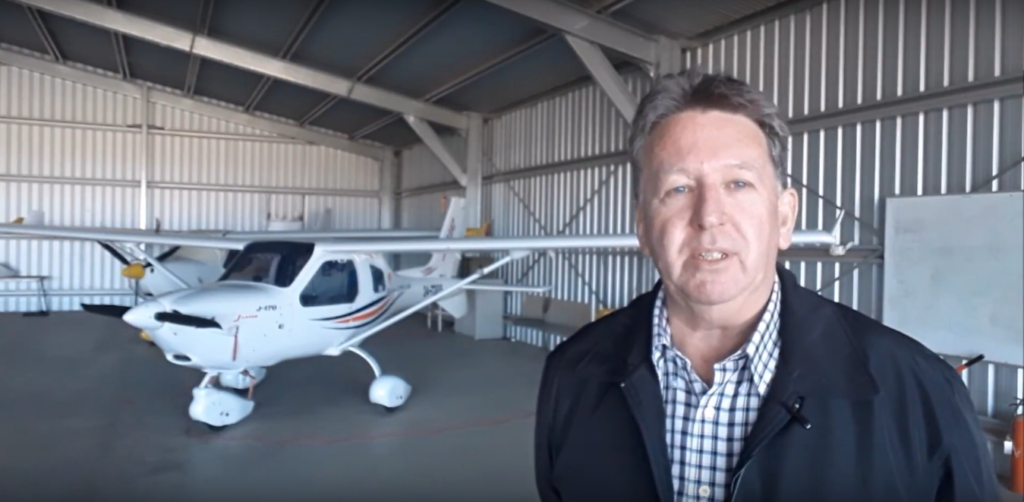
Brendon McAliece (Aka Gunnie) is a military veteran with 23 years working on Jet Fighters, their weapons systems and ejection seat/module systems as well as munitions and R&D. Involved with flight simulation since the 1980s, he has flown all the major flight simulators over the years.
He is an Australian expat who has lived in Malaysia, UK, Saudi Arabia and more recently Thailand. He is a multi-lingual blogger who loves to share his life experiences here on LetsFlyVFR.com and DreamingGuitar.com, with his lifestyle and Travel experiences Blog plus his Dreaming Coffee website.